0 Reviews

MixPad Genie

50.00 100.00 50
Availability:
Out of stock
Quantity:
SKU:
SG-111001

MixPad Genie in Dubai


Experience​‍​‌‍​‍‌​‍​‌‍​‍‌ tech advancement with MixPad Genie home automation that comes only from SG Automations Dubai.

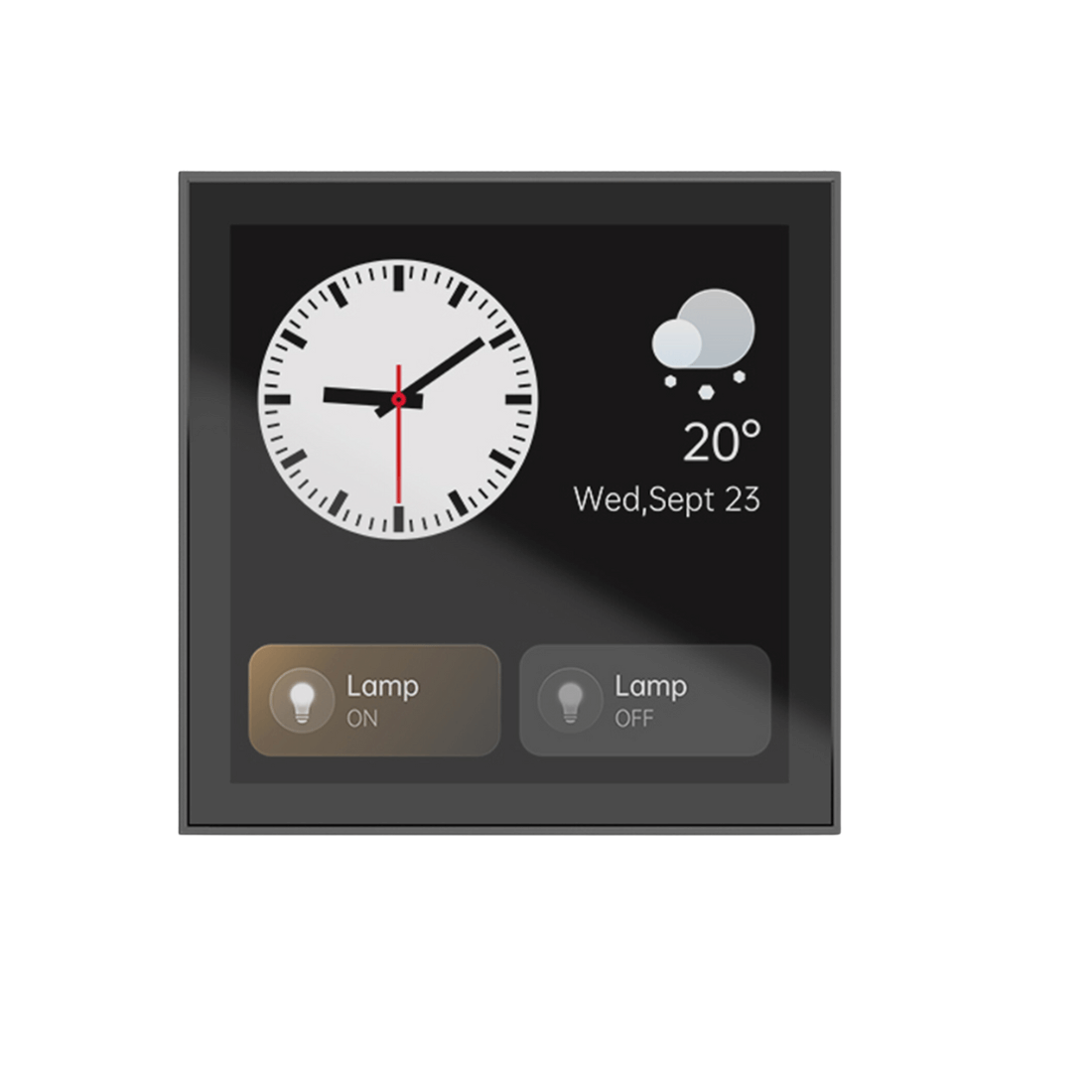
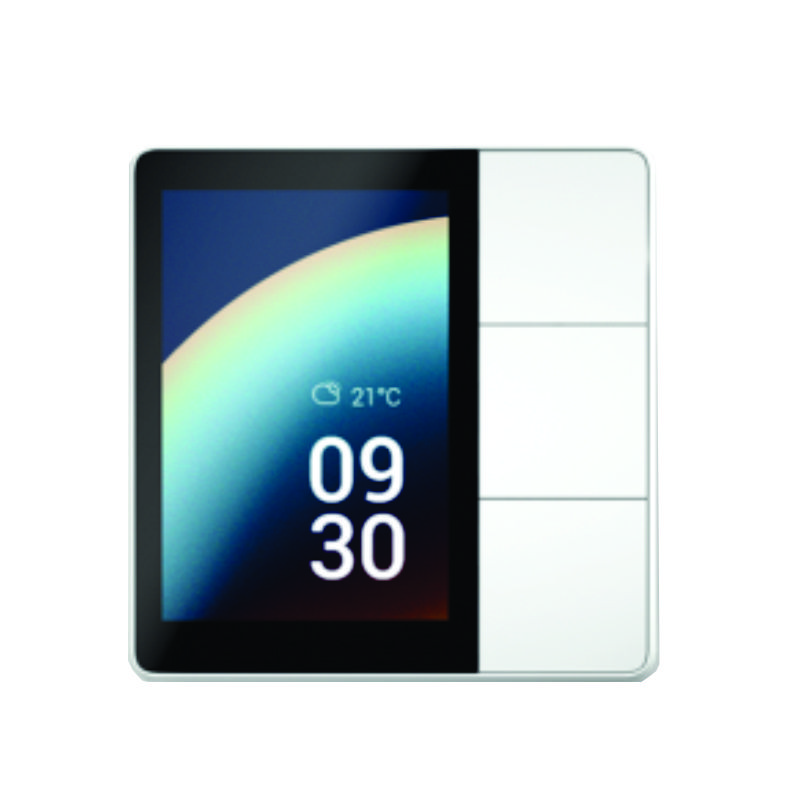
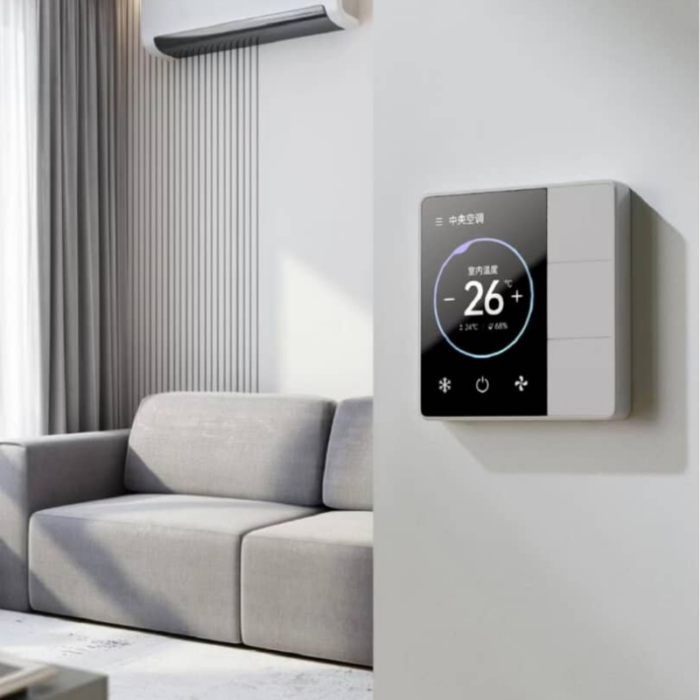
It is an attractive panel to control your smart home that includes the management of your lights, curtains, temperature, and scenes through a single colorful touch screen.

The MixPad Genie is the ultimate home command center with its integrated voice assistant, ZigBee + Wi-Fi connectivity, and status monitoring in real-time.
Being a perfect solution for modern villas, apartments, and offices it combines the features of an intuitive design, dependability, and smartness to guarantee you smooth control and an outstanding user experience anywhere in the ​‍​‌‍​‍‌​‍​‌‍​‍‌UAE.
 

Why Choose SG Automations Dubai


SG​‍​‌‍​‍‌​‍​‌‍​‍‌ Automations is your go-to place for cutting-edge smart home and building automation systems all over Dubai and the Gulf.

The MixPad Genie is a perfect example of our dedication to the design, practicality, and ease of use, giving you the power to manage your surroundings in a simple ​‍​‌‍​‍‌​‍​‌‍​‍‌way.

Product Type normal
Sku SG-111001
Product Code SG-111001
Category Id 29
Alternate Product Name MixPad Genie
Brand Orvibo
Model SG-111001
Status 1

1Basic Product Information

AttributeDetail
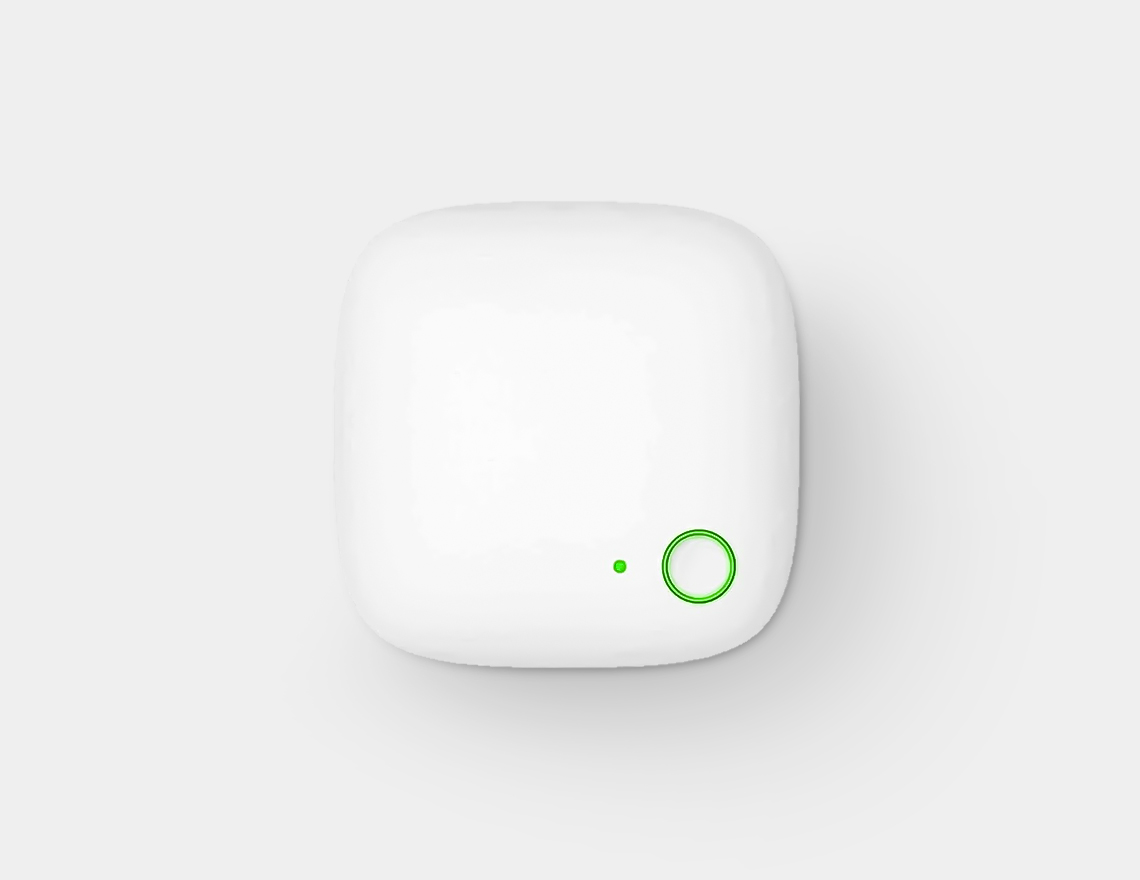
Alternate Product NameMixPad Genie Portable Installation-Free Smart Panel
Product CodeSG-111001
Shipping InfoFree shipping across the UAE on this order; dispatched via UPS Express with tracking
BrandOrvibo
ModelMixPad Genie
Special FeaturesInstallation-free design (no wall wiring required), 3.27" color HD touchscreen, voice + touch + button + app control, 3-loop light control, Type-C phone charging port, interchangeable panel colors
Color
White
Black
Blue
Green
Specific UsesPortable smart home control for lighting, IR-connected appliances, and temperature/time display — ideal for apartments, villas, and offices without rewiring
Country of OriginChina
Product Length (cm)8.6 cm (approx.)
Product Height (cm)8.6 cm (approx.)
Product Width/Depth (cm)2 cm (approx.)
What's in the BoxMixPad Genie panel · desk/wall stand · socket power adapter · USB Type-C cable · user manual

2Display & Interaction

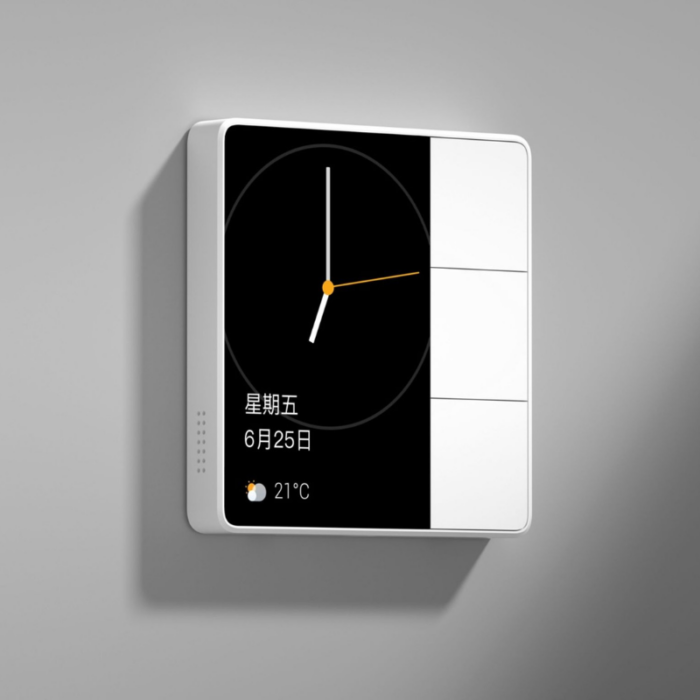
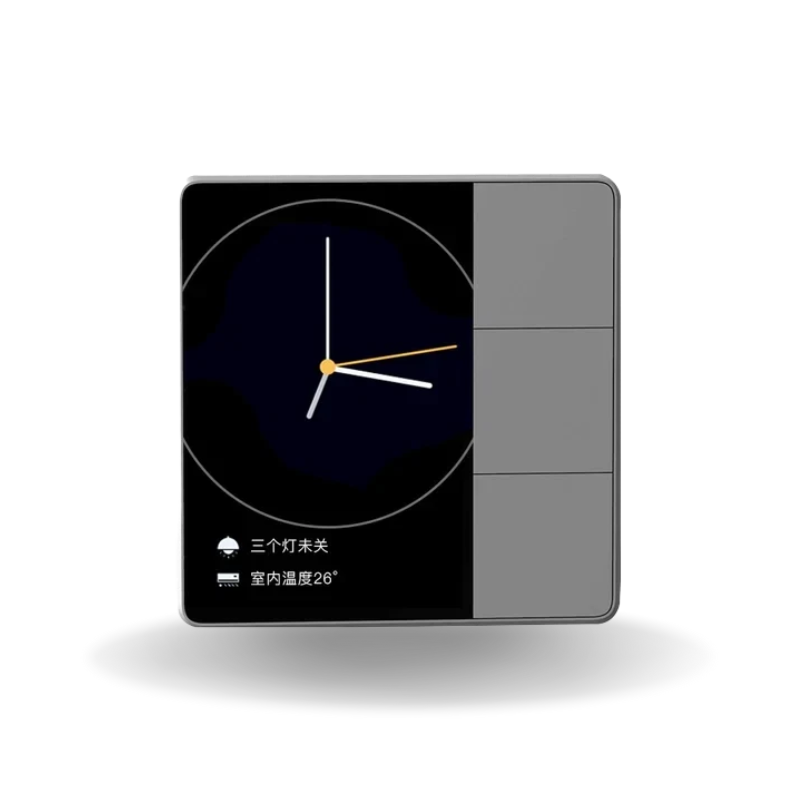
Display3.27-inch color HD touchscreen showing temperature, date, and time
Control MethodsVoice commands, touchscreen, physical buttons, and app control — four ways to interact
Core FunctionsLight switching, home appliance control, and real-time environment display
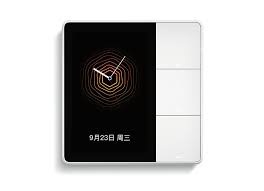
DesignInterchangeable panel colors to match different wall and interior styles

3Connectivity & Compatibility

Wireless ProtocolsBluetooth Mesh, Wi-Fi, and infrared (IR) in one device
Appliance ControlIR connectivity lets it control traditional AC units, TVs, and other IR-based appliances
App ControlFull remote access and scene control via the Orvibo smart home app
Voice ControlHands-free control through built-in voice interaction

4Built-in Controls

Light Control Circuit3-loop light control for switching multiple lighting zones
Scene ButtonsCustom scene button — e.g., turn off all lights in the house with one tap
Phone ChargingBuilt-in Type-C port for charging your phone directly from the panel

5Installation & Power Options

InstallationInstallation-free — place it anywhere without rewiring your walls
Power Supply OptionsZero-live wire wall power, two-pin socket power, or USB data cable power
PlacementDesk, tabletop, or wall-mounted stand, depending on preference
Best Suited ForRenters, apartments, or anyone wanting smart control without wall wiring work

iSetup Instructions

Unlike wired panels such as the MixPad S, the MixPad Genie needs no electrician or wall wiring — it's ready to use straight out of the box.
  1. Choose your power option — plug into a wall socket, connect via USB-C cable, or use zero-live wire power if wiring is available.
  2. Place the panel — set it on a desk, tabletop, or attach it to the included stand wherever you want control.
  3. Download the Orvibo app — create an account and connect the panel to your Wi-Fi.
  4. Pair your devices — add Bluetooth Mesh lights and IR-controlled appliances through the app.
  5. Set up scene buttons — assign custom actions like "all lights off" to the physical scene button.
  6. Enable voice control — turn on voice interaction in the app for hands-free commands.

?Frequently Asked Questions

Does the MixPad Genie need to be wired into the wall?

No — it has an installation-free design and can run on socket power or a USB-C cable, so no electrical wiring is required.

Can it control my air conditioner or TV?

Yes, it includes infrared (IR) connectivity that lets it control traditional IR-based appliances like AC units and TVs.

How is this different from the MixPad S?

The MixPad S is a wired, wall-installed panel requiring live & neutral wiring, while the MixPad Genie is portable and installation-free, running on socket or USB-C power instead.

Can I change the panel's color later?

Yes, the MixPad Genie supports interchangeable panel colors so you can match it to your interior style.

Does it support voice assistants?

It has built-in voice interaction for hands-free control alongside touchscreen, button, and app control.

Customer reviews

0 Reviews Write a review

Write a review

No reviews yet.

Cart

Your cart is currently empty

Continue shopping