0 Reviews

MixPad S

50.00 100.00 50
Availability:
Out of stock
Quantity:
SKU:
SG-111002

MixPad S Smart Home Panel in Dubai

Make​‍​‌‍​‍‌​‍​‌‍​‍‌ your home a connected living space with the MixPad S that you can get from SG Automations Dubai.
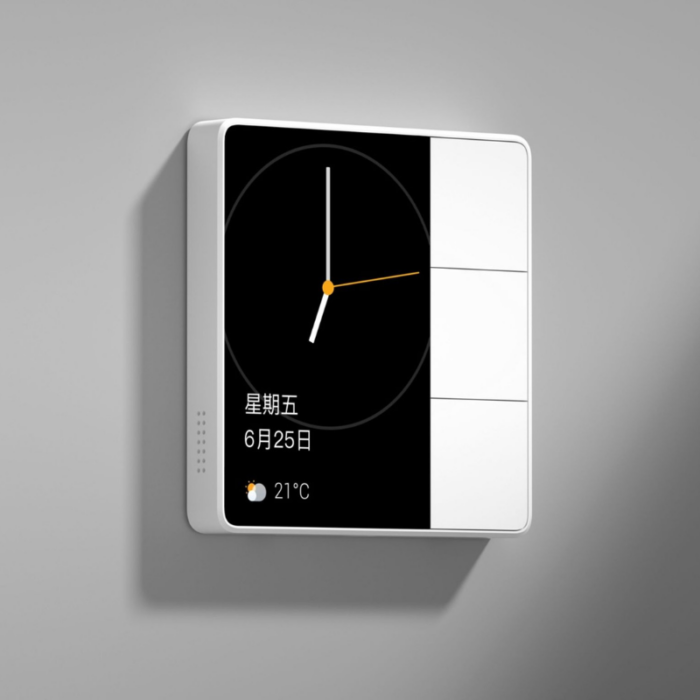
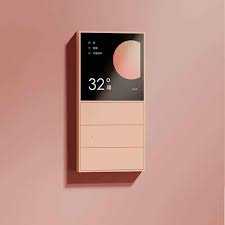
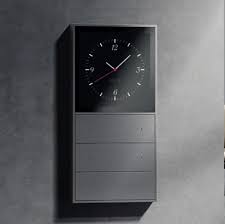
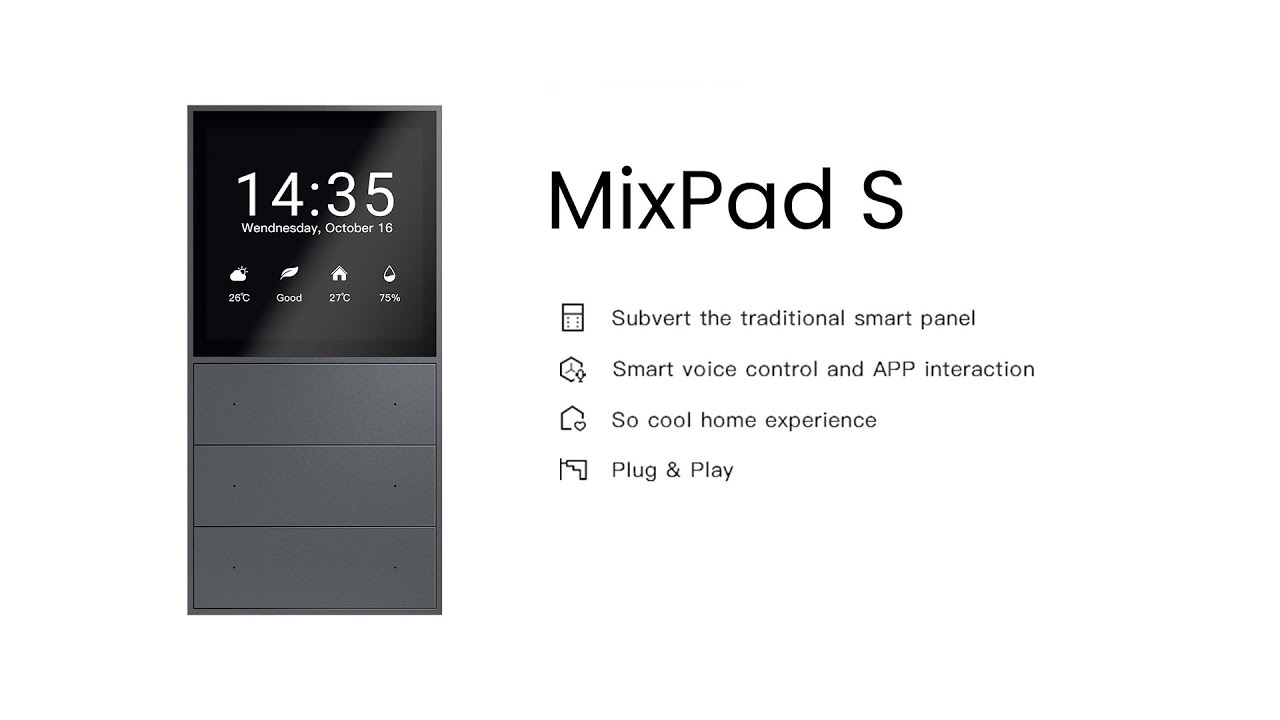
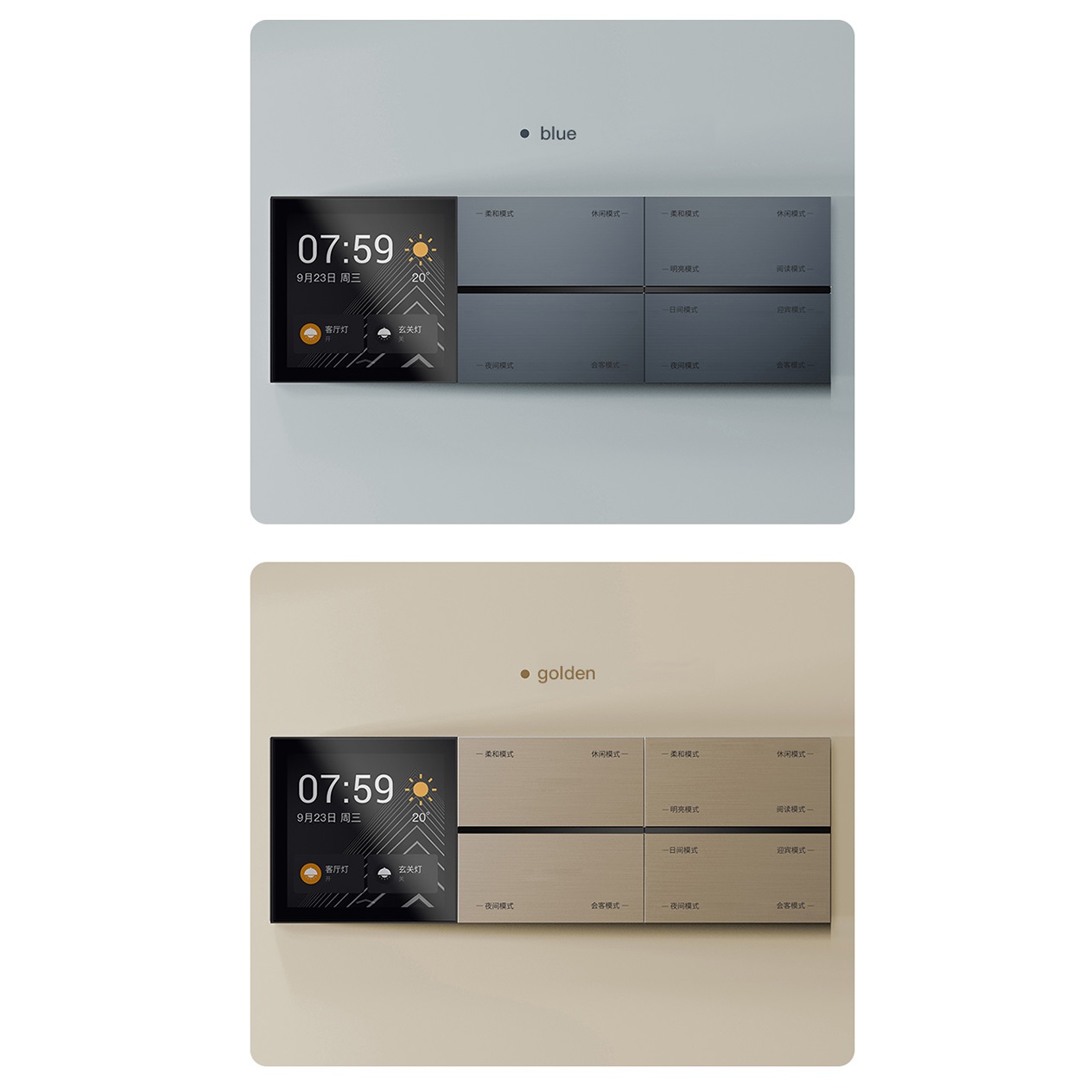
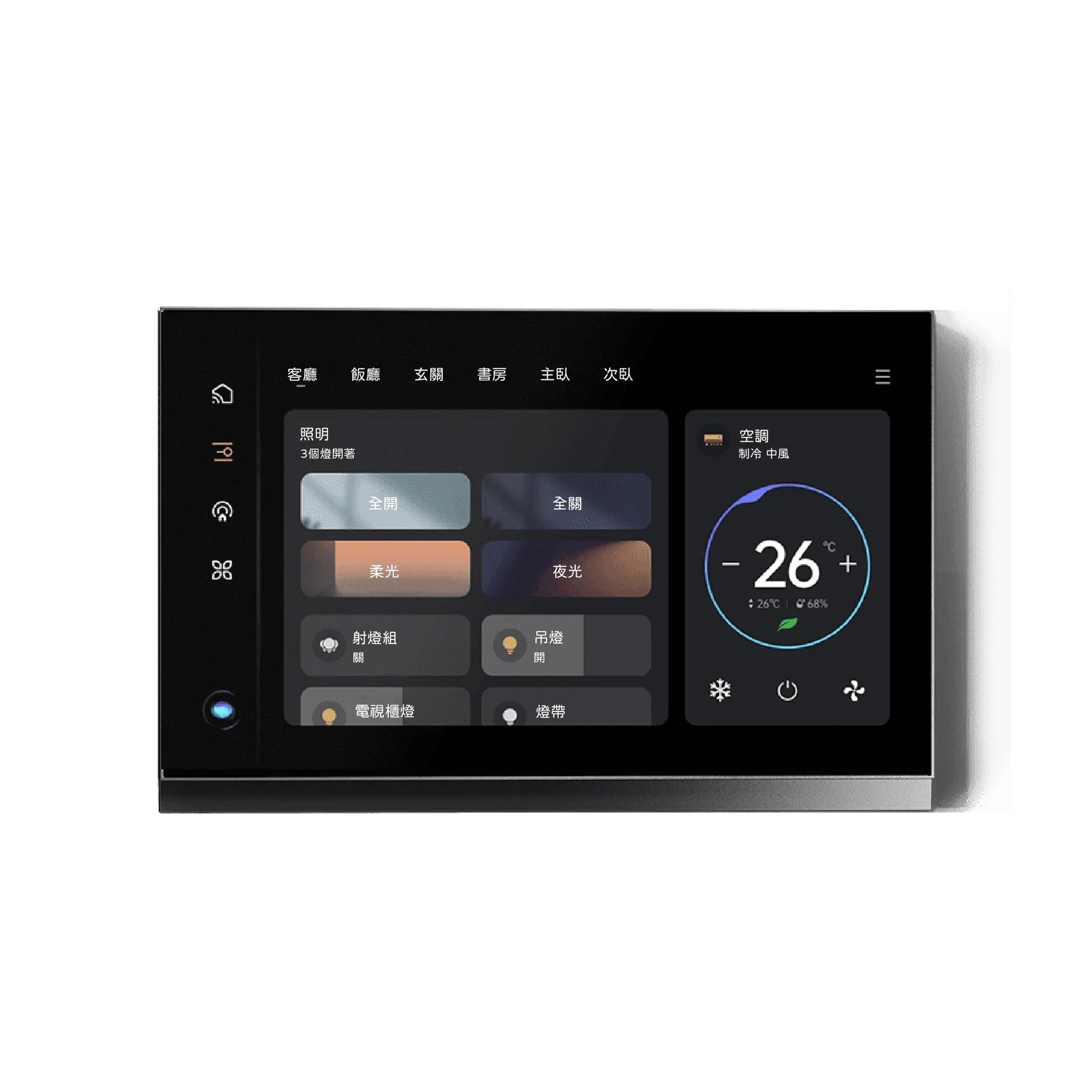
This luxurious premium smart control panel is a perfect combination of lighting, temperature, music, and security control in one attractive wall-mounted touchscreen.

The MixPad S is a perfect solution for a modern villa or a smart apartment in the UAE and it comes with easy-to-use touch navigation, voice commands, and ZigBee + Wi-Fi connectivity.

It is a smart control panel that is designed to perform, look good, and be convenient and it also integrates effortlessly with Google Home, Alexa, and Tuya Smart, thus giving you total home control at your ​‍​‌‍​‍‌​‍​‌‍​‍‌fingertips.

Why Choose SG Automations Dubai

SG​‍​‌‍​‍‌​‍​‌‍​‍‌ Automations specializes in offering the latest smart home technologies all over Dubai and the Gulf.
With the MixPad S, your life will be made easy as it provides centralized control, energy saving, and stylish looks for a more intelligent type of ​‍​‌‍​‍‌​‍​‌‍​‍‌living.

Product Type normal
Sku SG-111002
Product Code SG-111002
Category Id 29
Brand Orvibo
Status 1

1Basic Product Information

AttributeDetail
Alternate Product NameMixPad S All-in-One Super Gateway Smart Panel
Product CodeSG-111002
Shipping InfoFree shipping across the UAE on this order; dispatched via UPS Express with tracking
BrandOrvibo
ModelMixPad S
Special FeaturesBuilt-in Zigbee 3.0 gateway (no separate hub needed), Wi-Fi + Bluetooth connectivity, 4" capacitive touchscreen, 6 customizable scene buttons, built-in 2-gang switch (200W/gang), built-in two-loop light control, "Flash Dog" fast device pairing
Color
Dark Gray
Specific UsesCentralized smart home control for lighting, curtains, AC, scenes, and connected Zigbee devices — ideal for villas, apartments, offices, and hotels
Country of OriginChina
Product Length (cm)8.6 cm
Product Height (cm)8.6 cm
Product Width/Depth (cm)4 cm
What's in the BoxMixPad S panel · mounting backplate · mounting screws · wiring terminal block · user manual

2Display & Design

Display4-inch capacitive touchscreen for direct on-panel control
Scene Buttons6 physical scene buttons for one-tap automation shortcuts
Form FactorStandard 86mm wall switch box size — fits most existing switch installations
Power SupplyAC 220V, live & neutral (L&N) wired connection

3Connectivity & Smart Home Integration

Built-in GatewayZigbee 3.0 hub built directly into the panel — no external hub required
Wireless ProtocolsZigbee 3.0, Wi-Fi, and Bluetooth in one device
Voice Assistant SupportWorks with Amazon Alexa, Google Assistant, and Apple Siri
App ControlFull remote control and automation via the Orvibo/Tuya Smart app
Device Pairing"Flash Dog" feature speeds up pairing of new Zigbee devices
Compatible DevicesSupports hundreds of Zigbee-based lights, switches, curtains, sensors, and appliances

4Built-in Controls

Switch FunctionBuilt-in 2-gang switch, rated 200W per gang
Light ControlBuilt-in two-loop light control for direct wiring to fixtures
Control MethodsTouchscreen, physical buttons, voice commands, and app control
AutomationCustom scenes and schedules triggered from the panel or app

5Installation & Compatibility

MountingIn-wall installation using standard 86mm switch box wiring
Wiring TypeRequires live & neutral (L&N) wiring at the installation point
Best Suited ForNew builds or renovations with L&N wiring already run to the switch point
Professional InstallAvailable as an add-on for wiring, mounting, and app/scene setup

iSetup Instructions

This panel requires a live & neutral (L&N) wiring connection — confirm your wall box has both before ordering, or opt for our professional installation add-on.
  1. Turn off power at the breaker — before removing your existing switch plate.
  2. Connect the wiring — match live and neutral wires to the terminal block per the included wiring diagram.
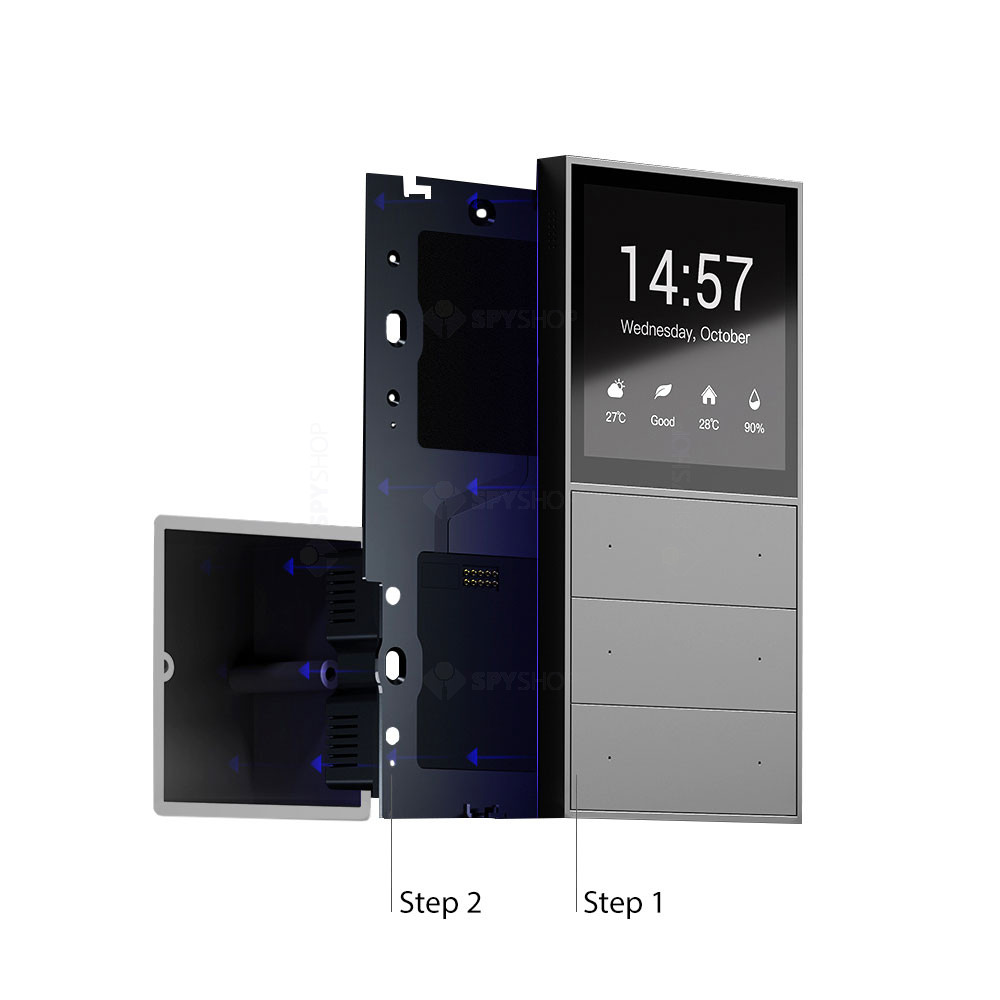
  3. Mount the backplate — secure it into the standard 86mm switch box using the included screws.
  4. Attach the MixPad S panel — click it onto the backplate to power it on.
  5. Download the app — install the Orvibo/Tuya Smart app and pair the panel to your Wi-Fi.
  6. Add Zigbee devices — use "Flash Dog" mode to quickly pair lights, sensors, and other Zigbee accessories.

?Frequently Asked Questions

Do I need a separate Zigbee hub for this panel?

No — the MixPad S has a Zigbee 3.0 gateway built in, so it works as its own hub for compatible devices.

Can it replace my existing wall switch directly?

It fits standard 86mm switch box installations, but it specifically requires a live & neutral (L&N) wiring connection, which not every existing switch point has.

Which voice assistants does it support?

It works with Amazon Alexa, Google Assistant, and Apple Siri through the connected app.

How many devices can I connect to it?

It supports connecting hundreds of Zigbee-based smart devices, including lights, switches, curtain motors, and sensors.

Is professional installation available in the UAE?

Yes, our smart home installation service covers wiring, mounting, and full app/scene setup in a single visit.

Customer reviews

0 Reviews Write a review

Write a review

No reviews yet.

Cart

Your cart is currently empty

Continue shopping