











Smart Central Control Panels · Orvibo
MixPad X
All prices in AED. Free delivery over AED 250.00.
- UAE delivery1–3 working days
- WarrantyBrand warranty, ask us for terms
- InstallationAvailable in Dubai
- 14-day returnsUnused, in original packaging
Overview
1Basic Product Information
| Attribute | Detail |
|---|---|
| Alternate Product Name | MixPad X 12.3" Whole-Home Smart Control Panel |
| Product Code | SGP00108 |
| Shipping Info | Free shipping across the UAE on this order; dispatched via UPS Express with tracking |
| Brand | Orvibo |
| Model | MixPad X |
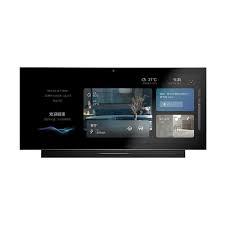
| Special Features | 12.3" HD touchscreen, built-in AI voice assistant, dual microphone array, built-in speakers, supports up to 350 connected devices, centralized control for lighting, climate, audio, and scenes |
| Color | Black |
| Specific Uses | Whole-home automation control hub for villas and large homes — lighting, climate, audio, and scene control in one interface |
| Country of Origin | China |
| Product Length (cm) | 31.7 cm |
| Product Height (cm) | 14.1 cm |
| Product Width/Depth (cm) | 1.3 cm |
| What's in the Box | MixPad X panel · mounting backplate · mounting screws · wiring terminal block · user manual |
2Display & Design
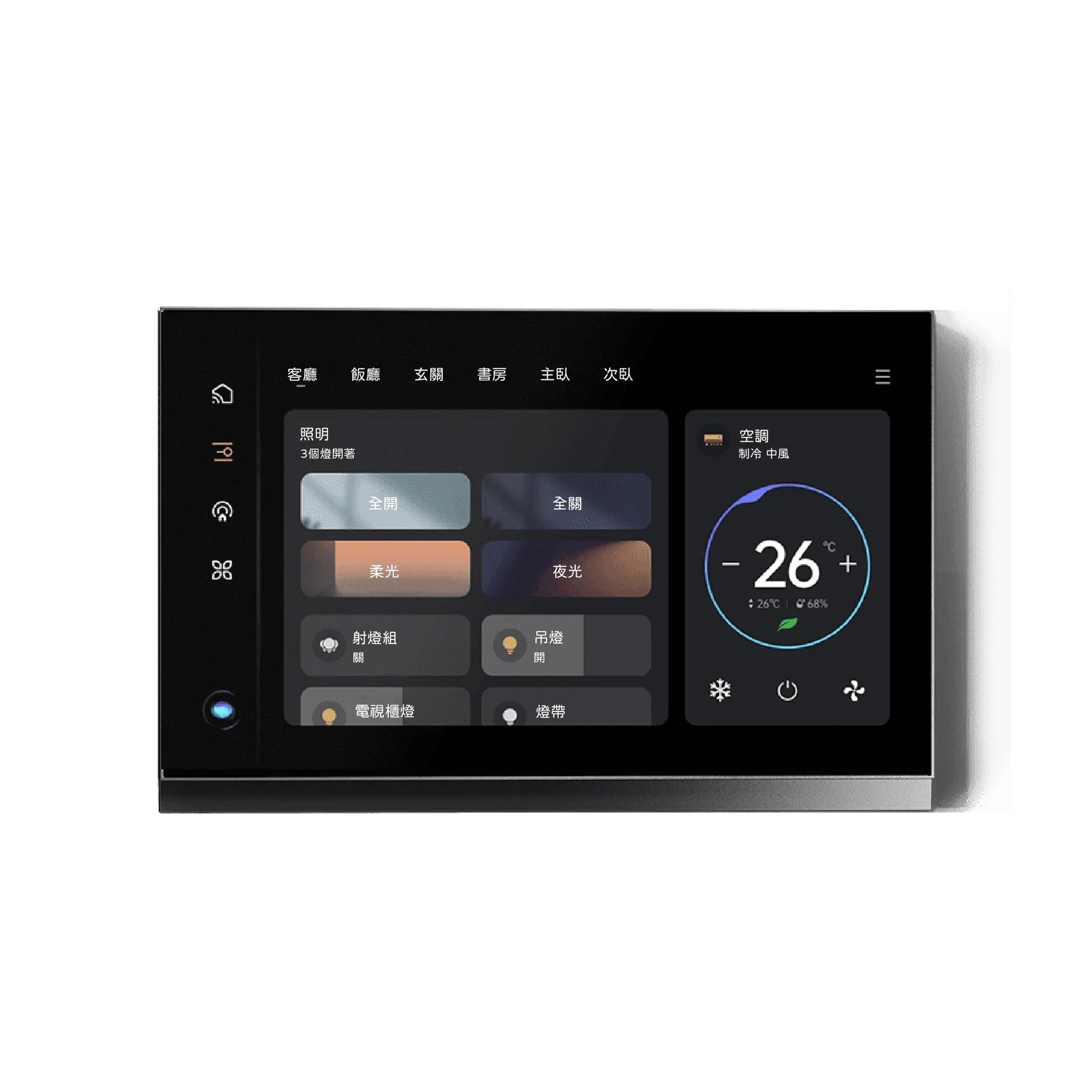
| Display | 12.3-inch large-format HD touchscreen |
| Audio | Built-in speakers with dual microphone array for enhanced voice pickup |
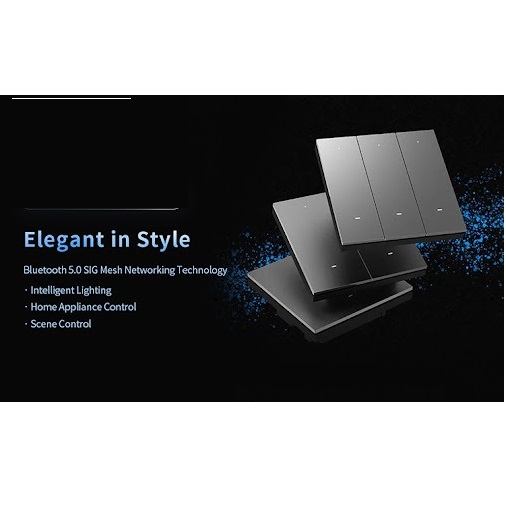
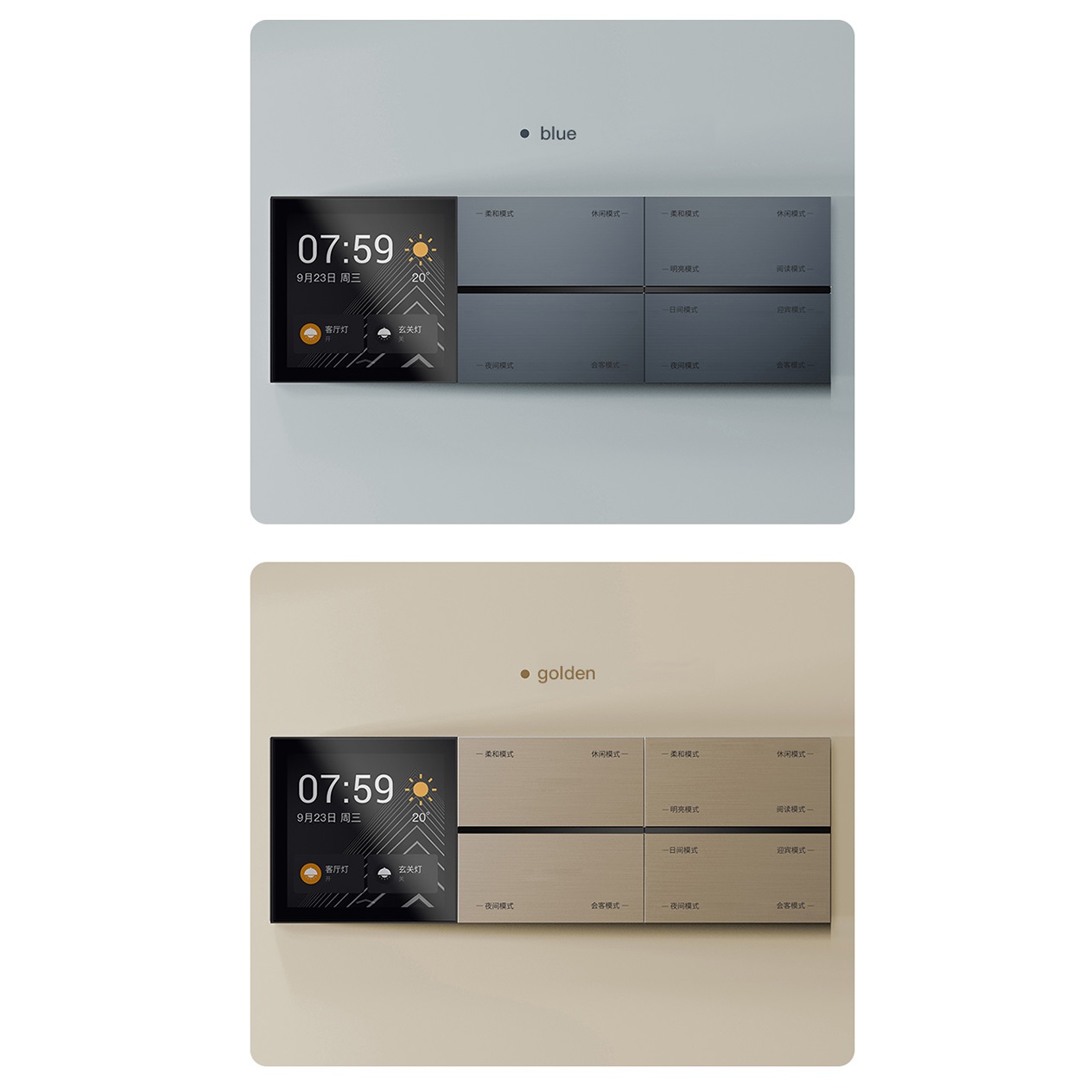
| Design | Sleek, flush wall-mount design intended to replace traditional switch panels |
| Interface | Colorful, icon-based touchscreen interface for quick access to all controls |
3Connectivity & Voice Control
| Wireless Protocols | Zigbee, Bluetooth, Wi-Fi, and RS-485 for broad device compatibility |
| Voice Assistant Support | Works with Amazon Alexa, Google Assistant, and Apple Siri |
| Built-in AI Assistant | Hands-free voice control for lighting, climate, and scene activation |
| App Control | Full remote access and automation via the Orvibo smart home app |
4Smart Home Integration & Capacity
| Device Capacity | Supports connecting up to 350 smart devices from one panel |
| Compatible Systems | Lighting, climate/HVAC, curtains, audio, and scene-based automations |
| Ideal For | Villas and larger homes needing one centralized control point |
| Scene Automation | Custom multi-device scenes triggered by touch, voice, or app |
5Installation & Compatibility
| Mounting | In-wall installation, replacing a standard wall switch or panel location |
| Wiring Type | Requires wired power connection at the installation point |
| Best Suited For | New builds, renovations, or full smart-home system upgrades |
| Professional Install | Available as an add-on for wiring, mounting, and full system setup |
iSetup Instructions
- Plan your installation point — choose a central wall location with power access.
- Turn off power at the breaker — before removing any existing switch or panel.
- Connect the wiring — follow the included wiring diagram to connect power to the terminal block.
- Mount the backplate — secure it into the wall using the included screws.
- Attach the MixPad X panel — click it onto the backplate to power it on.
- Download the app and pair devices — connect Zigbee, Bluetooth, and Wi-Fi devices, then build your scenes and voice commands.
?Frequently Asked Questions
How many devices can the MixPad X control?
It supports connecting up to 350 smart devices across lighting, climate, audio, and other connected systems.
Which voice assistants does it support?
It works with Amazon Alexa, Google Assistant, and Apple Siri, in addition to its own built-in AI voice assistant.
Is this suitable for a small apartment?
It's designed as a whole-home command center best suited to villas or larger homes; smaller spaces may be better served by the MixPad S or MixPad Genie.
Do I need professional installation?
It's not strictly required, but given its role as your home's central control point, professional installation is recommended and available as an add-on.
Can it replace my existing wall switches?
Yes, it's designed as an elegant, high-tech replacement for traditional wall switches and remote controls.
Product details
Your Smart Home's Command Center
Think about a product that can do what switches and remotes do, as well as act like a voice assistant. The MixPad X is made for those who want central control of their lighting, climate, audio, and more with ease and grand design.
MixPad X is designed to meet the needs and taste of any modern house owner. With its colorful display, many controls, and ability to connect with other devices, it is perfect for any smart home.
You can log into the website mixpadx.com and order MixPad X in Dubai. You can now buy it from the Smartgain store in Dubai and improve your home’s cool factor.
Highlights:
- There is a smart panel mounted on the wall with a clear touch display.
- It is simple to manage lighting, music, climate, and scenes.
- It has an AI assistant that speaks for hands-free operation.
- Made for big houses and villas
- It connects to Zigbee, Z-Wave, and Wi-Fi networks
Why It Stands Out:
- Eliminates multiple devices and apps
- Makes the room look modern and sleek with a simple design
- Manages the entire home automation system from one point
Get MixPad X in Dubai online and get a home that is smarter and more stylish.
Specifications
- Brand
- Orvibo
- Category
- Smart Central Control Panels
- Condition
- New
- Availability
- Out of stock
- Delivery
- UAE-wide, 1–3 working days
Customer reviews
Frequently asked questions
Do you deliver across the UAE?
Yes. We deliver across Dubai and the rest of the UAE, usually within 1–3 working days. Delivery is free on orders over AED 250.00.
Is installation available in Dubai?
Yes. Our team can install this product at your home or office in Dubai. Message us on WhatsApp with your location and we will arrange a visit.
What warranty does this product have?
Warranty terms depend on the brand. Message us for the exact UAE warranty on this product before you order.
What is your return policy?
Unused items in original packaging can be returned within 14 days for a refund or store credit. Faulty or damaged items are handled under warranty. Refunds go back to the original payment method.