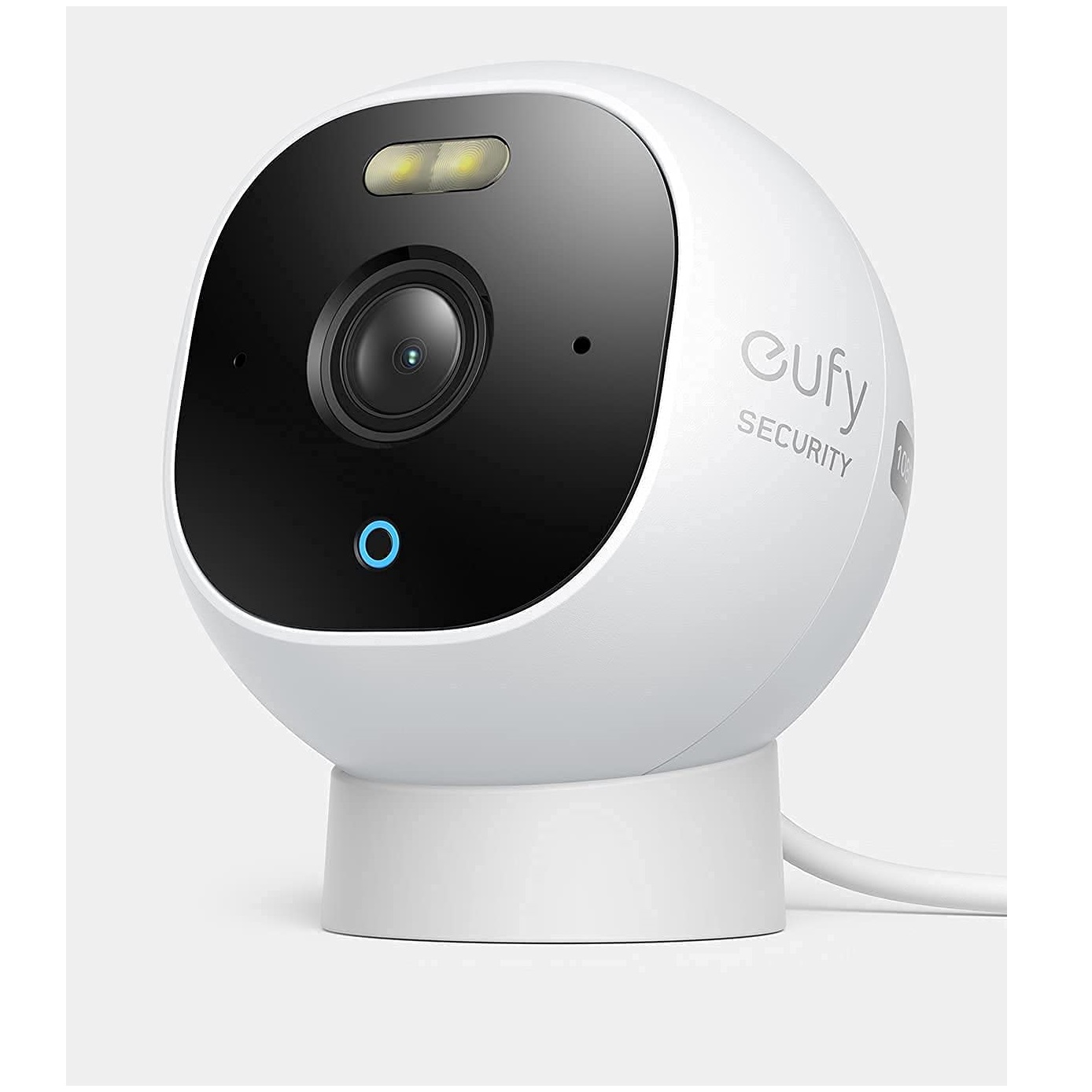
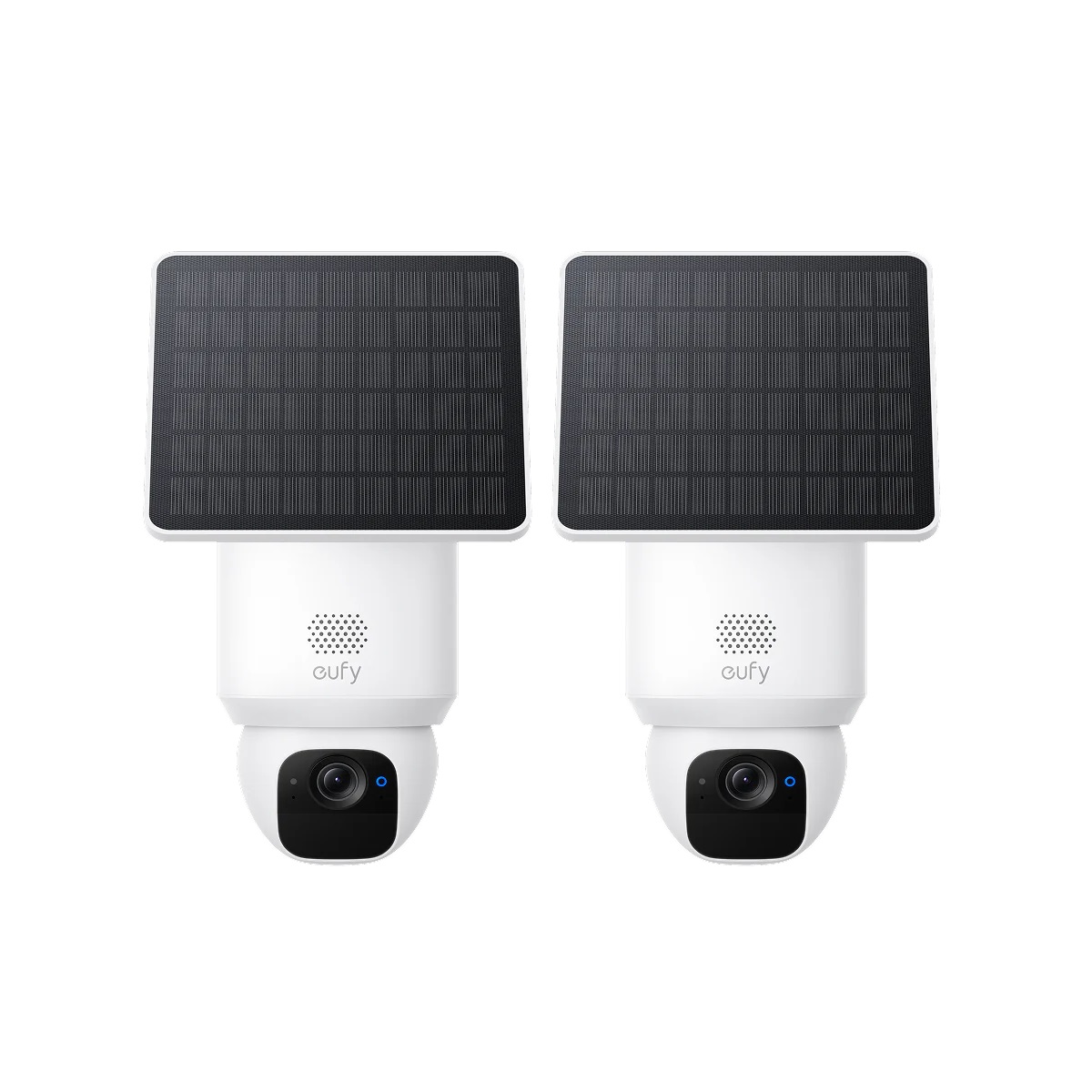
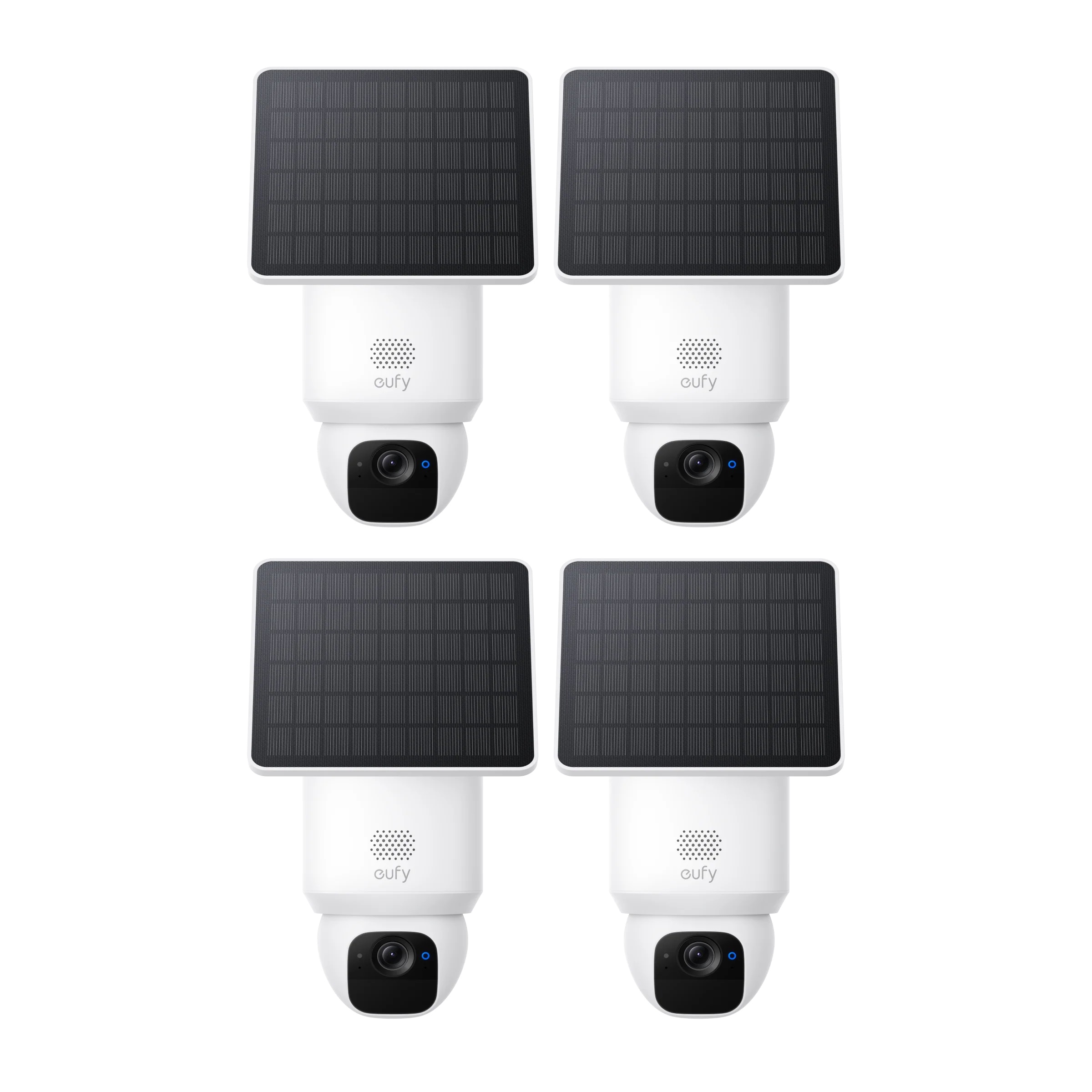
Eufy Security Cameras in Dubai & UAE
Solar-powered outdoor cameras with local storage and no mandatory monthly fee — genuine Eufy hardware, supplied and installed across Dubai, Abu Dhabi, Sharjah, and the wider UAE.
No Monthly Fee Required Solar-Powered Options Local Storage (HomeBase) Professional Installation
1What Is Eufy, and Why It's a Different Kind of Security Camera
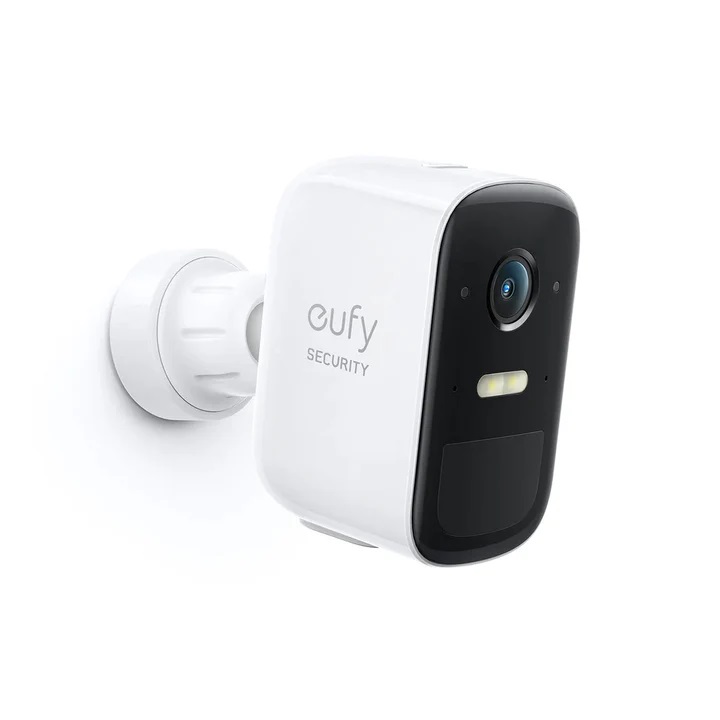
Eufy is Anker's home security brand, and its defining feature is the one thing that separates it from almost every other camera brand on this page: it doesn't require an ongoing subscription to actually work. Instead of streaming footage to the cloud and charging monthly for video history, Eufy cameras can store recordings locally — either on the camera itself or on a HomeBase hub sitting inside the home — with no recurring fee attached to basic recording and playback.
For a UAE buyer, that's worth more than it sounds. Several major smart camera brands sold here aren't distributed through an official regional channel, which sometimes means subscription tiers and feature availability don't behave identically to how they're marketed internationally. Eufy sidesteps that problem almost entirely — since core recording doesn't depend on an active subscription in the first place, there's less that can go wrong region to region.
SG Automations stocks Eufy's current outdoor and solar camera lineup, with installation available across Dubai, Abu Dhabi, and the rest of the UAE.
3Local Storage vs. Cloud Subscription: What Eufy Actually Offers
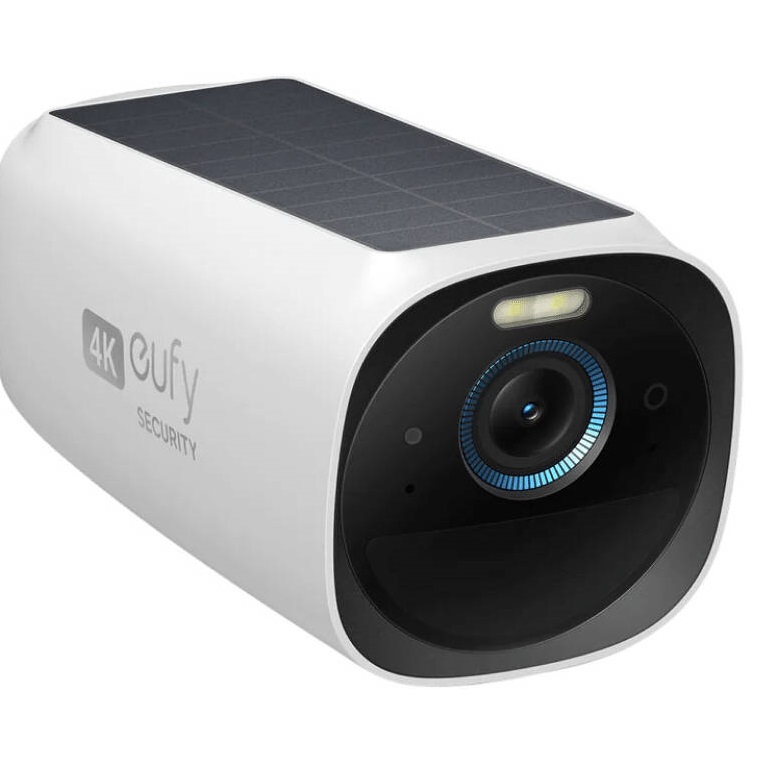
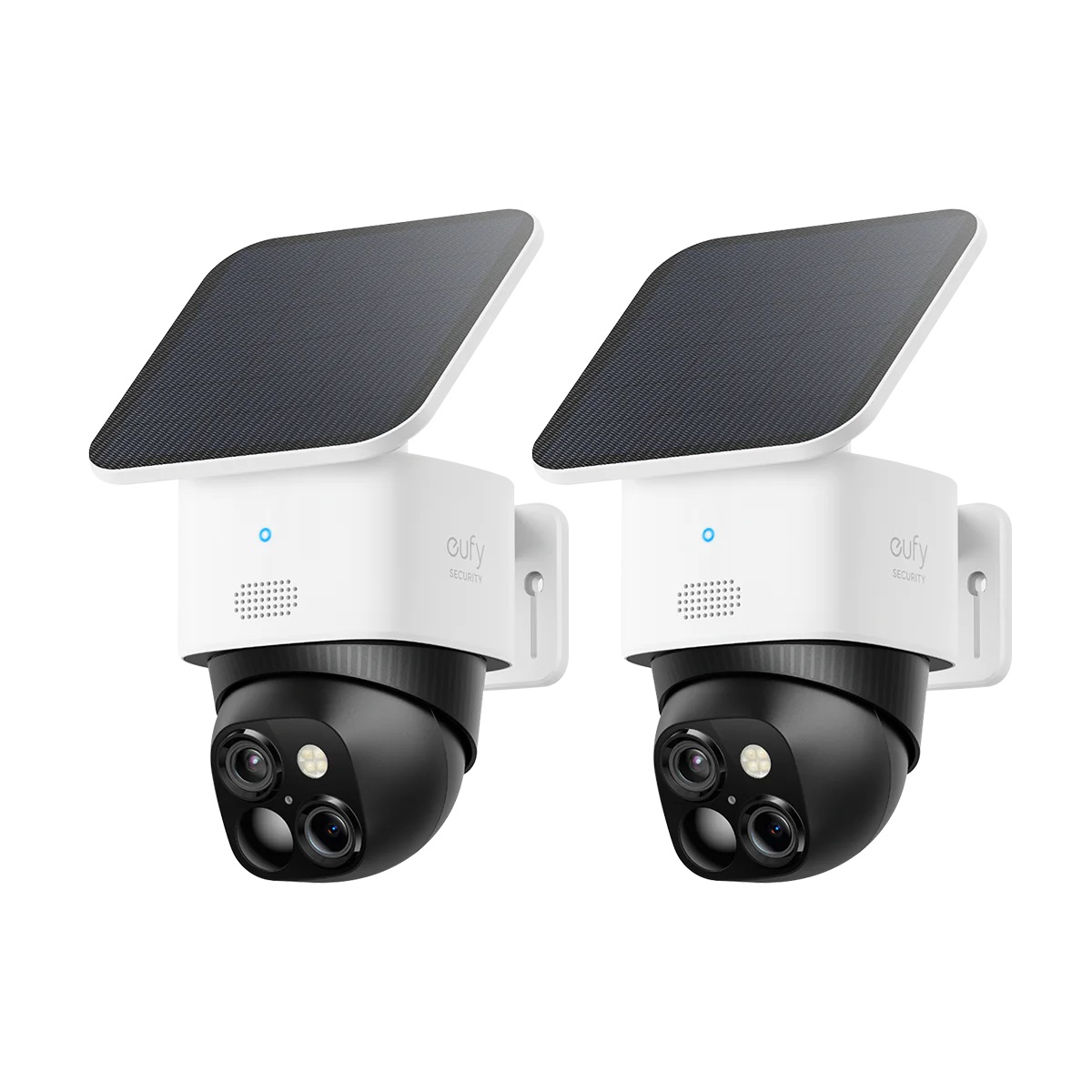
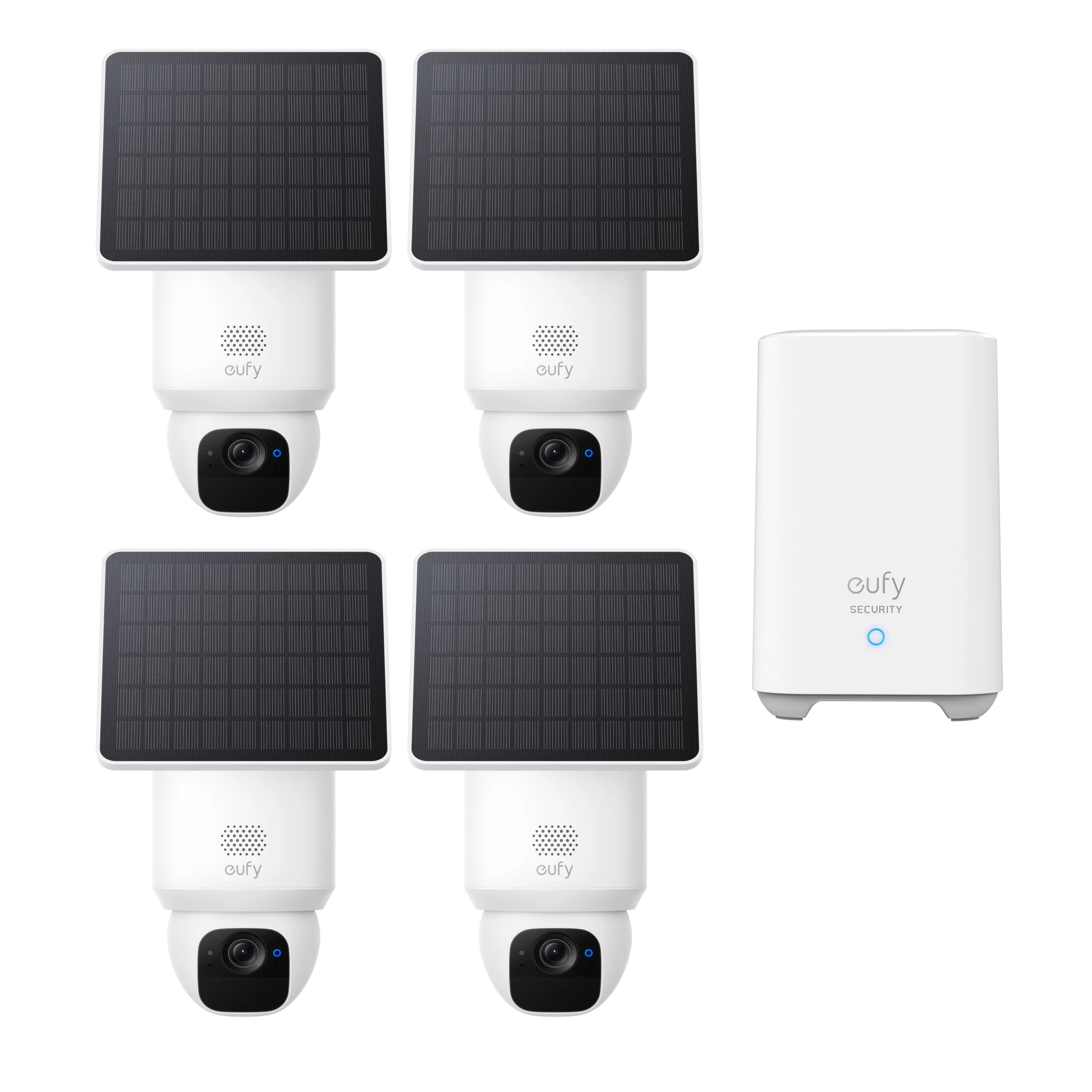
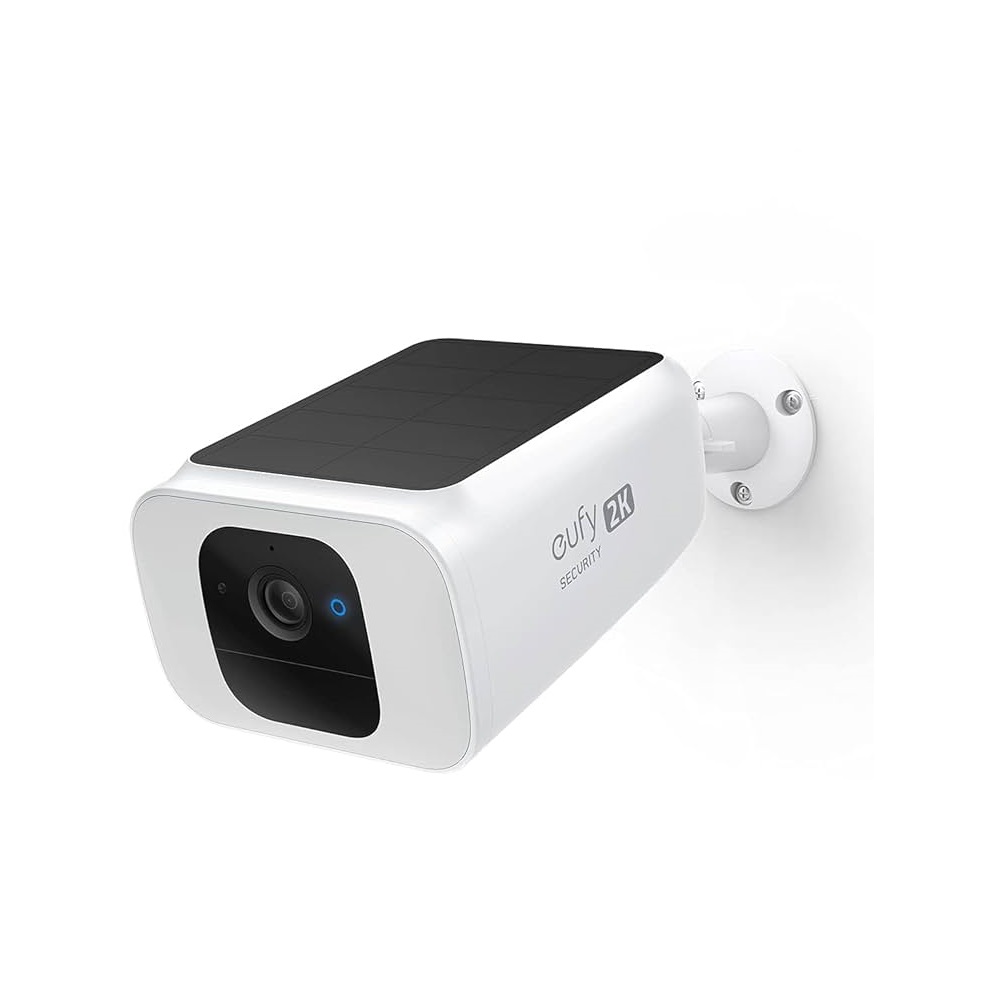
Eufy's standalone models — like the SoloCam S230 and SoloCam E30 — can record directly to onboard storage and connect straight to Wi-Fi, without ever needing a HomeBase hub. Adding a HomeBase (sold separately or bundled in kits like the SoloCam S340 4-Pack) extends that with expandable local storage and stronger on-device AI for more accurate person, vehicle, and pet detection.
Cloud backup and push notifications with thumbnail previews are optional add-ons on top of that, not a requirement to get basic recording working. That's the opposite structure to most competing brands, where cloud storage is the default and local-only recording is either unavailable or heavily limited.
4Solar Charging: A Genuine Advantage in the UAE
Dubai and Abu Dhabi get close to year-round strong sunlight, which is exactly the condition Eufy's solar-powered cameras are designed around — the SolarPlus panels on the SoloCam range typically collect more than enough charge on an average sunny day to keep the camera running indefinitely without a manual recharge.
The trade-off worth knowing: the same intense sun that keeps the solar panel topped up also raises the internal temperature of the camera housing in direct, unshaded placement. The better setup is a spot that still gets meaningful daily sun for the solar panel but isn't in the harshest unbroken midday exposure all day — under a slight eave angle rather than a fully open, reflective wall, for instance.
5Wi-Fi, Privacy, and What to Check Before Buying
Eufy's current camera lineup connects on 2.4GHz Wi-Fi only, the same requirement most smart cameras and doorbells share. If your router broadcasts a single merged network name across both 2.4GHz and 5GHz bands, it's worth splitting them or setting up a dedicated 2.4GHz network before installation to avoid a pairing dead-end.
On the privacy side, Eufy's HomeBase-connected footage is encrypted at rest, and the system's default behavior favors local storage over automatic cloud transmission — footage only reaches the cloud if you specifically enable a cloud-based feature like remote thumbnail previews. For anyone specifically prioritizing footage that stays inside the home rather than passing through a third-party server by default, this is one of the more privacy-forward setups among mainstream camera brands.
?Frequently Asked Questions
Do Eufy security cameras require a monthly subscription in the UAE?
No. Eufy's core recording and local storage features work without a subscription. Cloud-based extras like remote thumbnail previews are optional add-ons, not a requirement for basic camera operation.
Do Eufy solar cameras actually stay charged in Dubai's climate?
Generally yes, and often better than in milder climates, since Dubai gets close to year-round strong sunlight. Placement still matters — a spot that gets consistent sun without being in the most extreme unshaded exposure all day works best for both the panel and the camera housing.
What's the difference between a standalone SoloCam and a camera with HomeBase?
Standalone SoloCam models connect directly to Wi-Fi and record to onboard storage with no hub required. Adding a HomeBase extends this with larger expandable local storage and more advanced on-device AI detection across multiple cameras.
Can I add more cameras to an existing Eufy system later?
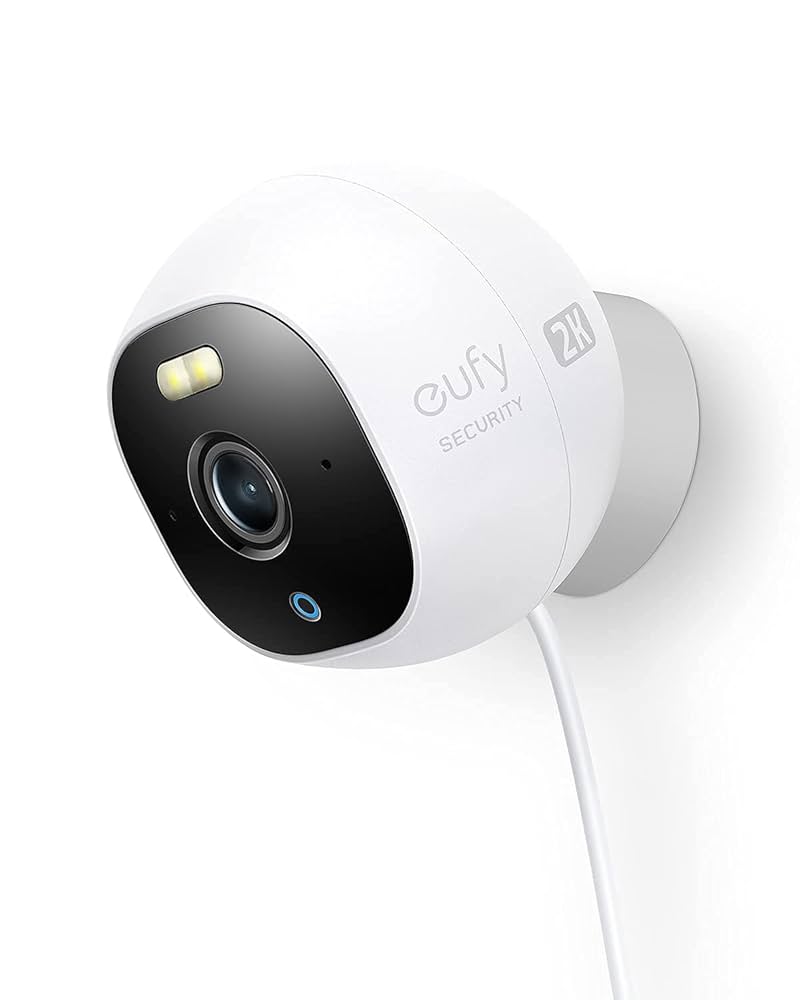
Yes. Add-on cameras like the Cam S210, S220, and S330 are designed specifically to expand an existing eufyCam/HomeBase setup without needing to buy a new hub.
Do Eufy cameras work with a 5GHz Wi-Fi network?
No, current Eufy camera models connect on 2.4GHz Wi-Fi only. A router broadcasting a single merged network name may need band separation configured before setup.
Is footage from Eufy cameras stored in the cloud by default?
No. The default behavior favors local storage on the camera or HomeBase. Footage is only sent to the cloud if a specific cloud-based feature, such as remote thumbnail previews, is enabled.
How many cameras does a typical Dubai villa need?
It depends on the layout, but most villas cover the essentials with cameras at the main gate, driveway, and any side or staff entrance — a 2 to 4 camera kit generally covers this without needing individual purchases.




 Google Nest
 Google Nest Smart Video Doorbell Wired 2nd Generation-Snow670.00 750.00
 Ecobee
  Ecobee Enhanced 6th Gen Smart Thermostat Without Sensor610.00 720.00
 Ecobee Premium 6th Generation Smart Thermostat810.00 1000.00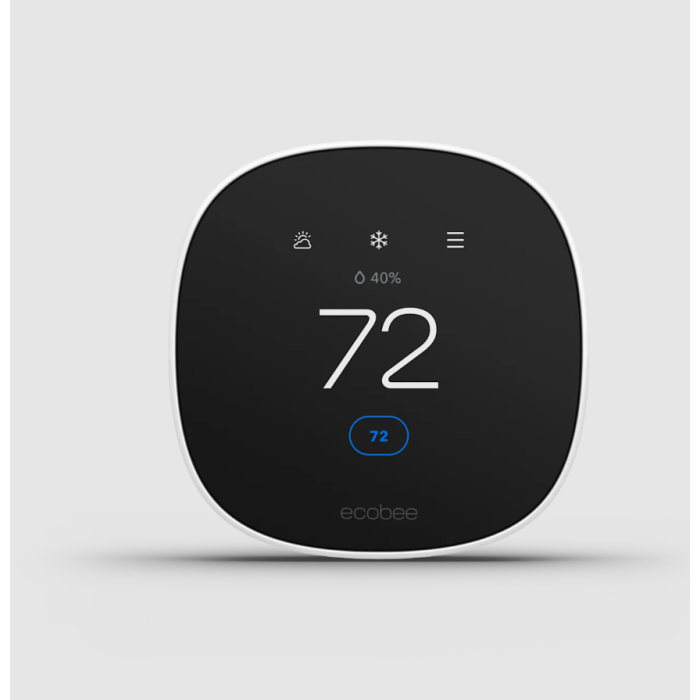
 Orvibo

 Eufy
Eufy  Samsung
 Aqara
Aqara Philips
 Ring
Ring